WooCommerce AR plugin: let customers view art in their own room
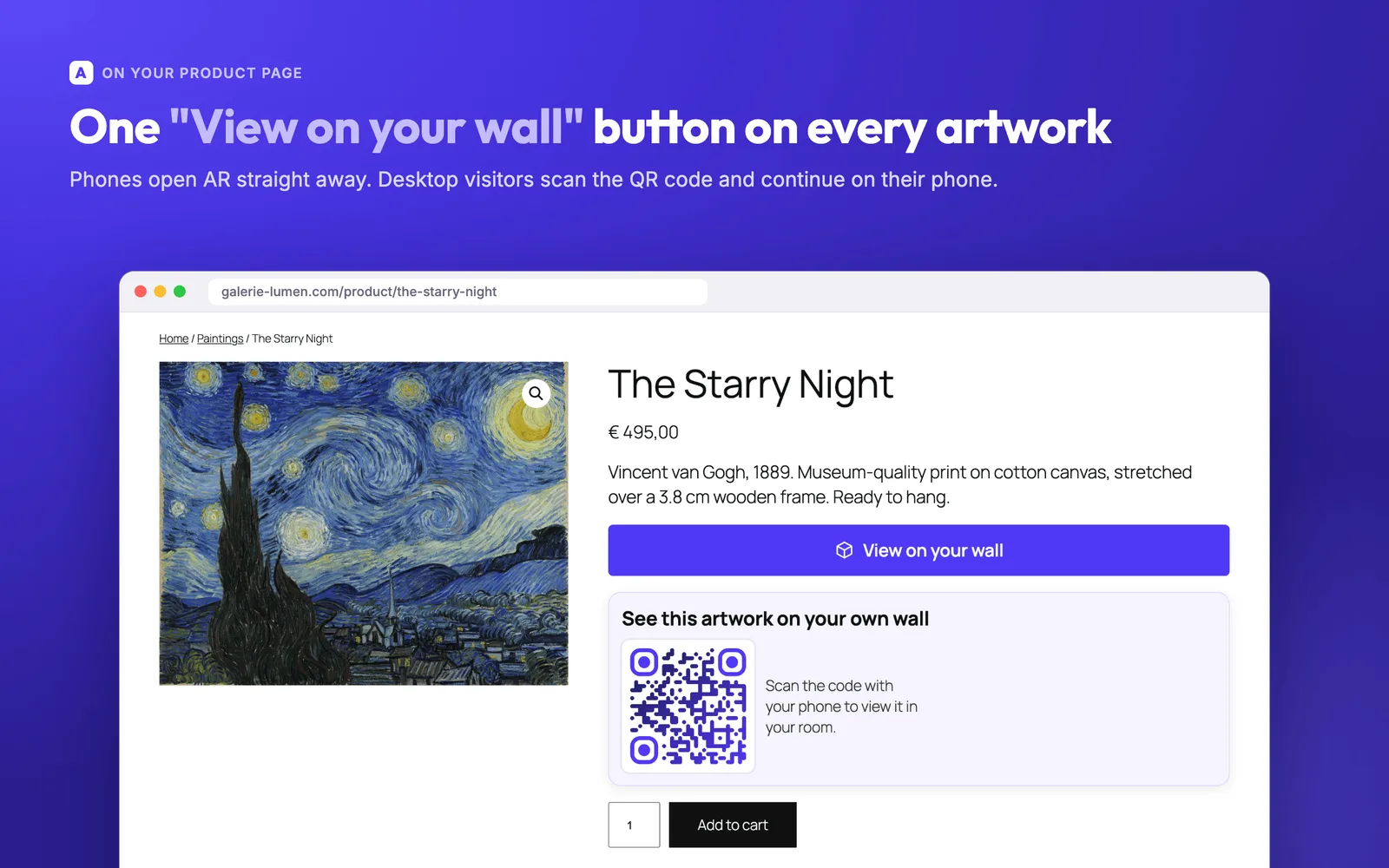
Add a "View in your room" button to your WooCommerce product pages. Your customer points a phone at the wall and sees the artwork hanging there, at true size.
- Works with any theme
- iOS & Android compatible
- No app for your customer
What the plugin adds to your shop
A button on every product page
The button appears on the artworks you select and works with any WooCommerce theme.
Sizes taken from your products
The 3D model uses the dimensions you already entered in WooCommerce, so the artwork is shown at true scale.
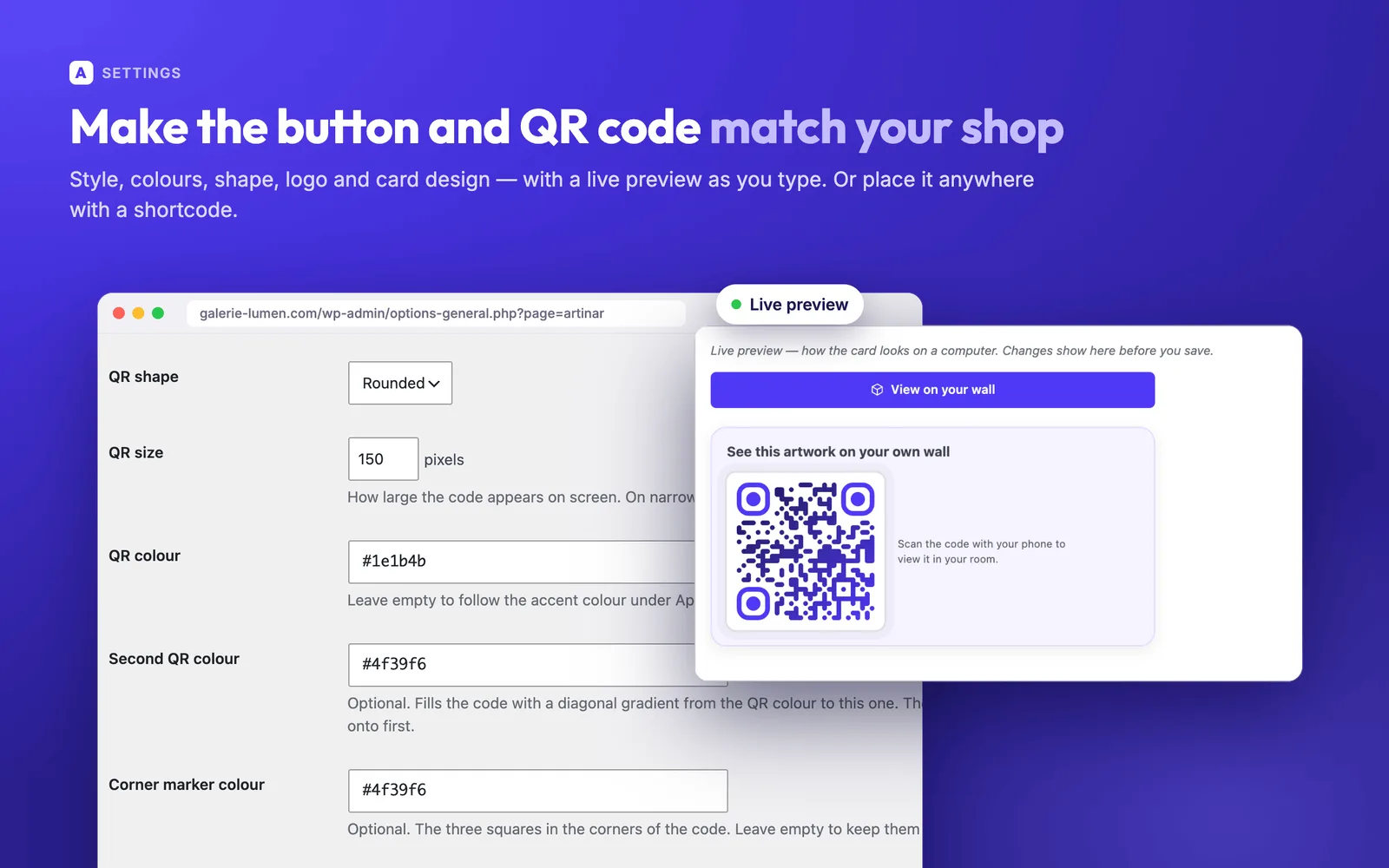
A QR code for desktop visitors
Someone browsing on a computer scans the QR code and continues on their phone, where the camera opens.
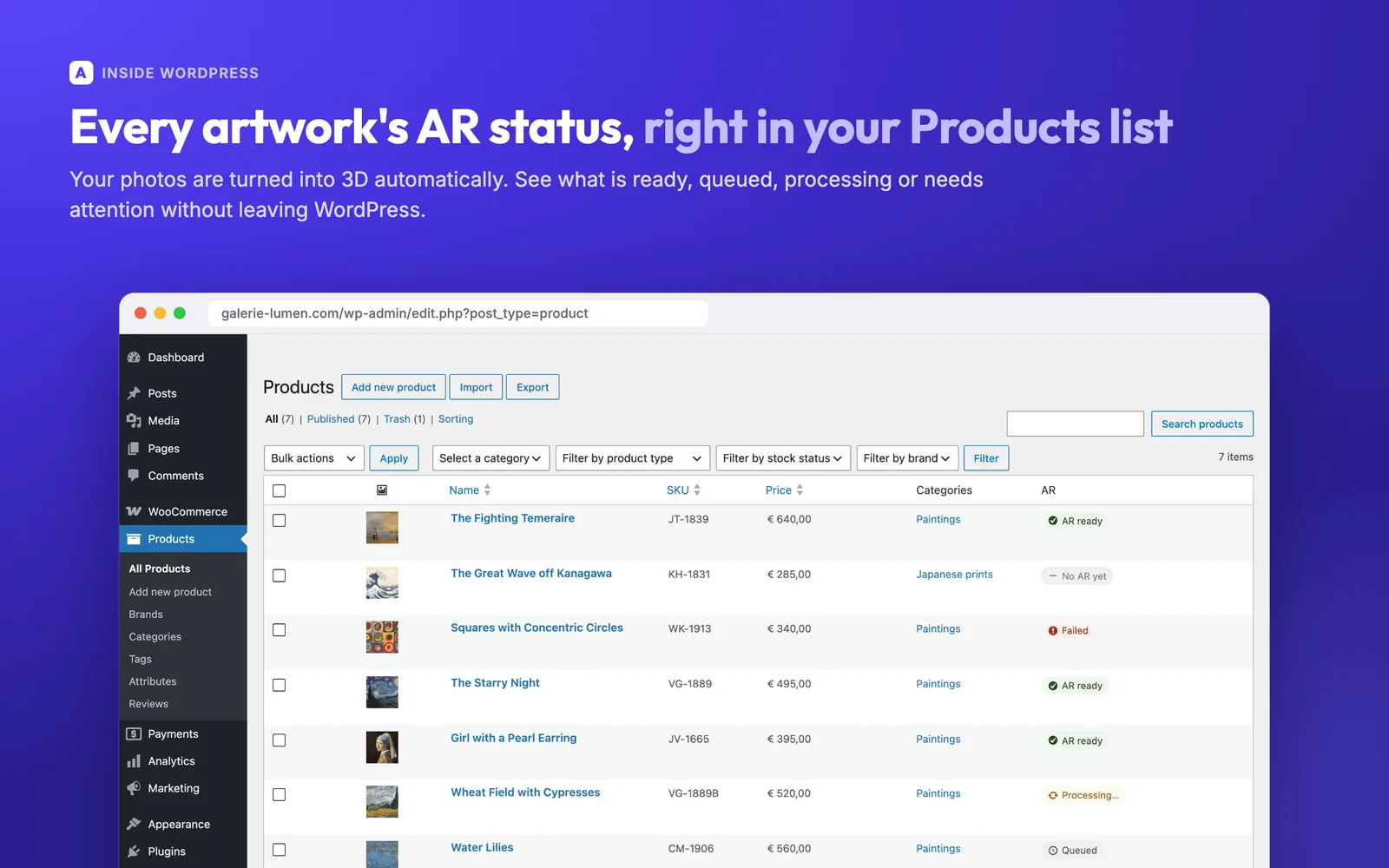
Your catalogue stays in sync
New and changed products are picked up automatically and their 3D models are built in the background.
Up and running without a developer
Install the free plugin from WordPress.org and approve the connection on the WooCommerce approval screen. There is no account to create and there are no keys to copy.
View the plugin on WordPress.org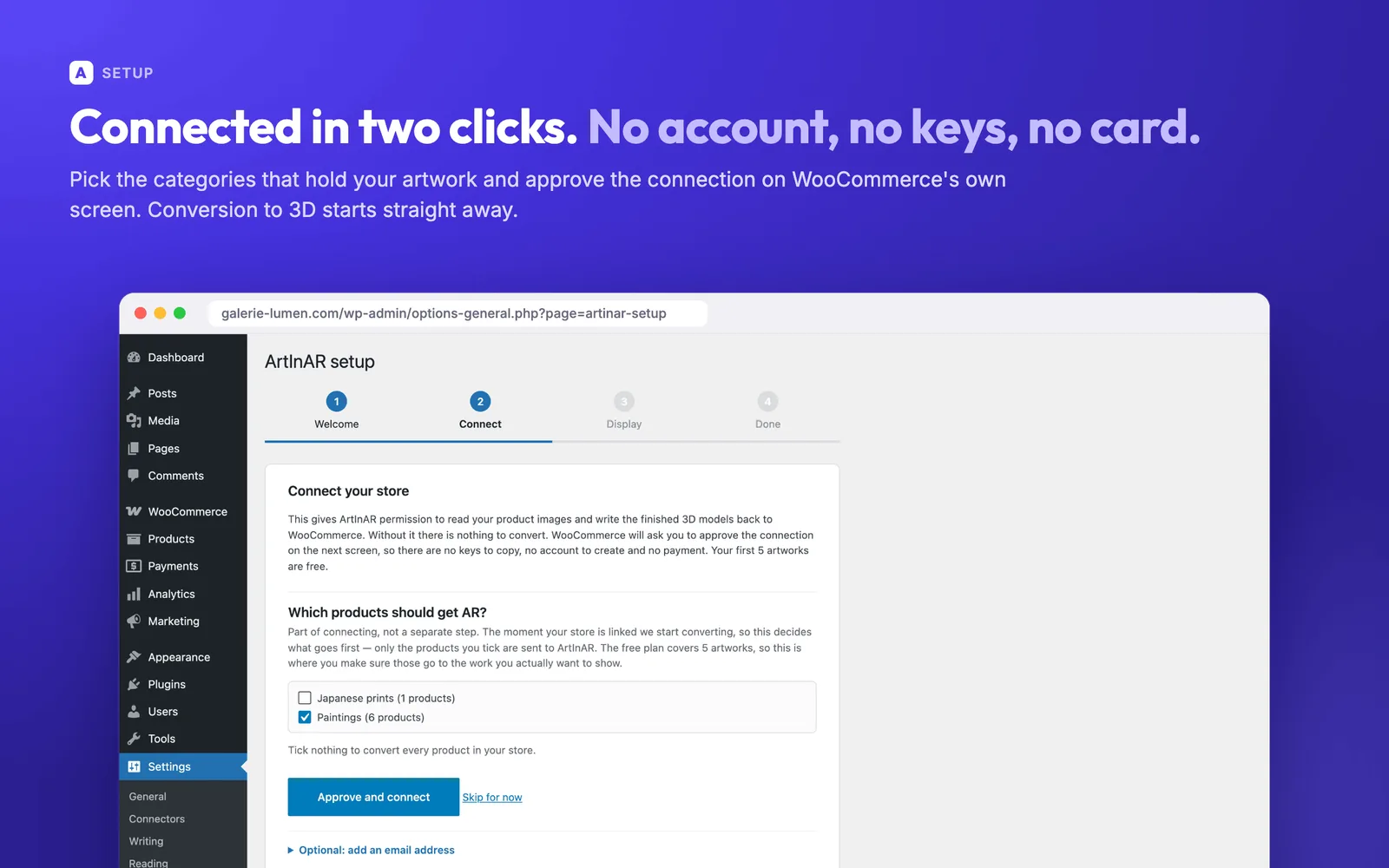
Everything you need
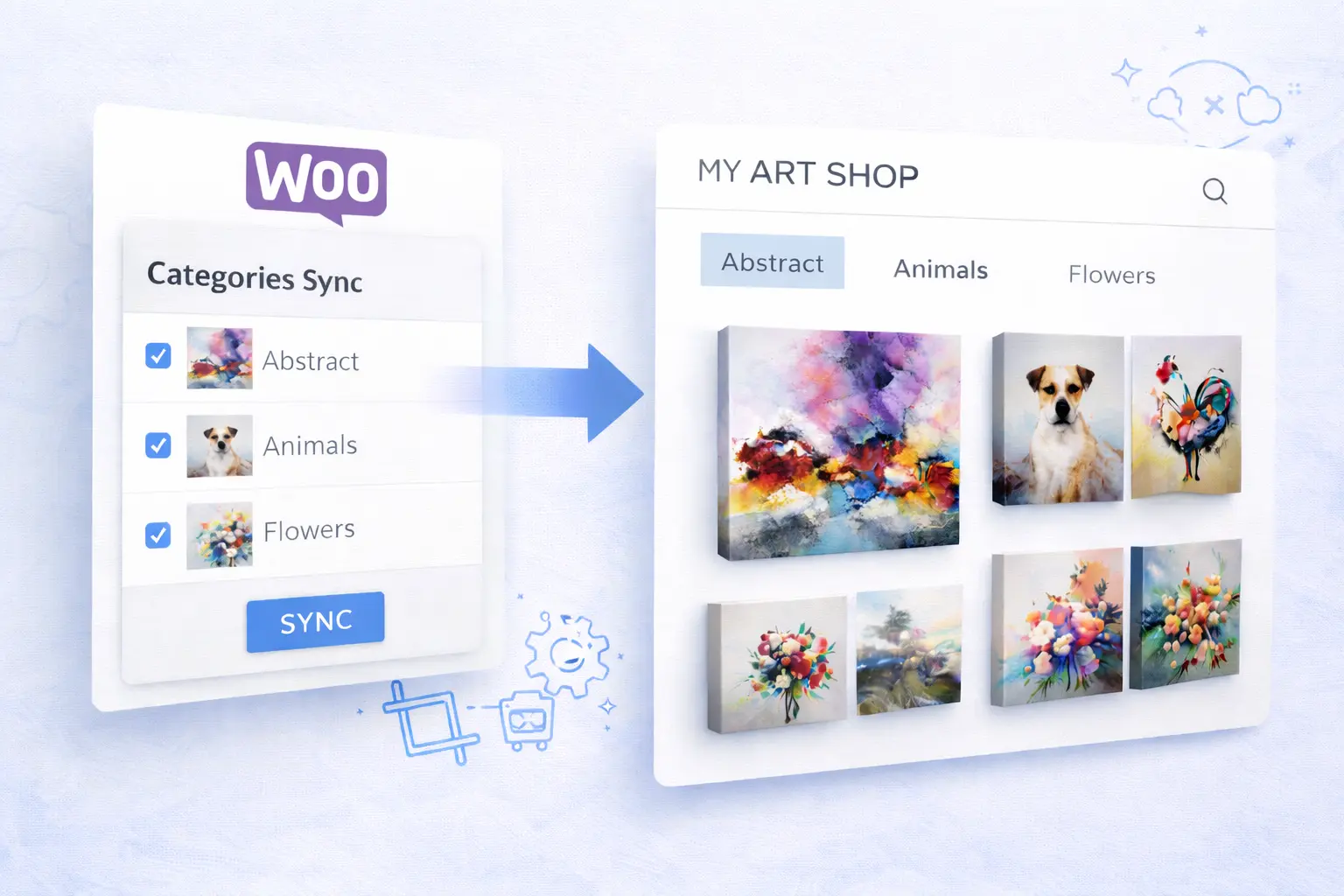
WooCommerce integration
Seamless integration. The "View in your room" button appears automatically on the works you select.
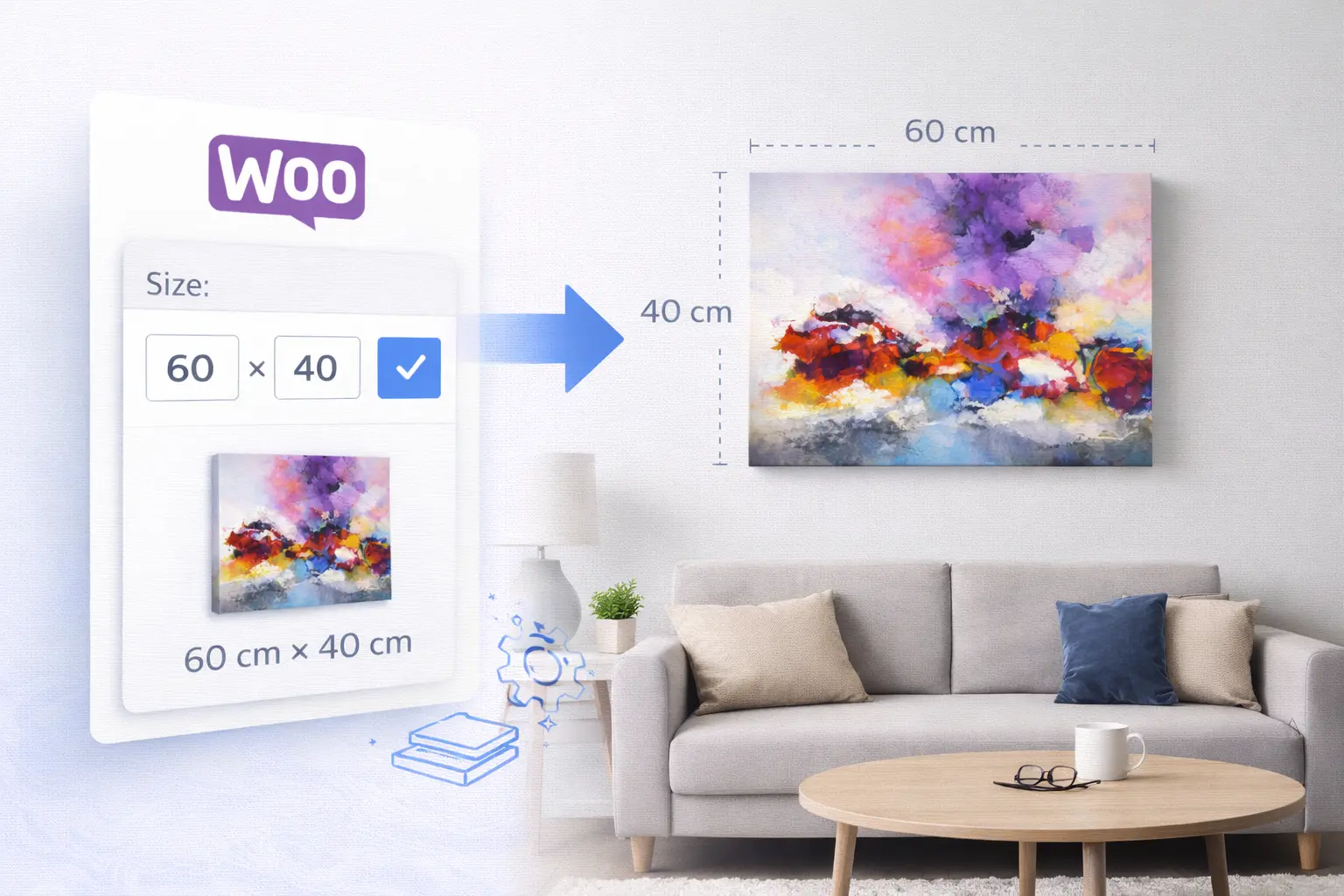
100% to scale
Essential for art buyers: the work is shown at 100% scale on the customer's wall.
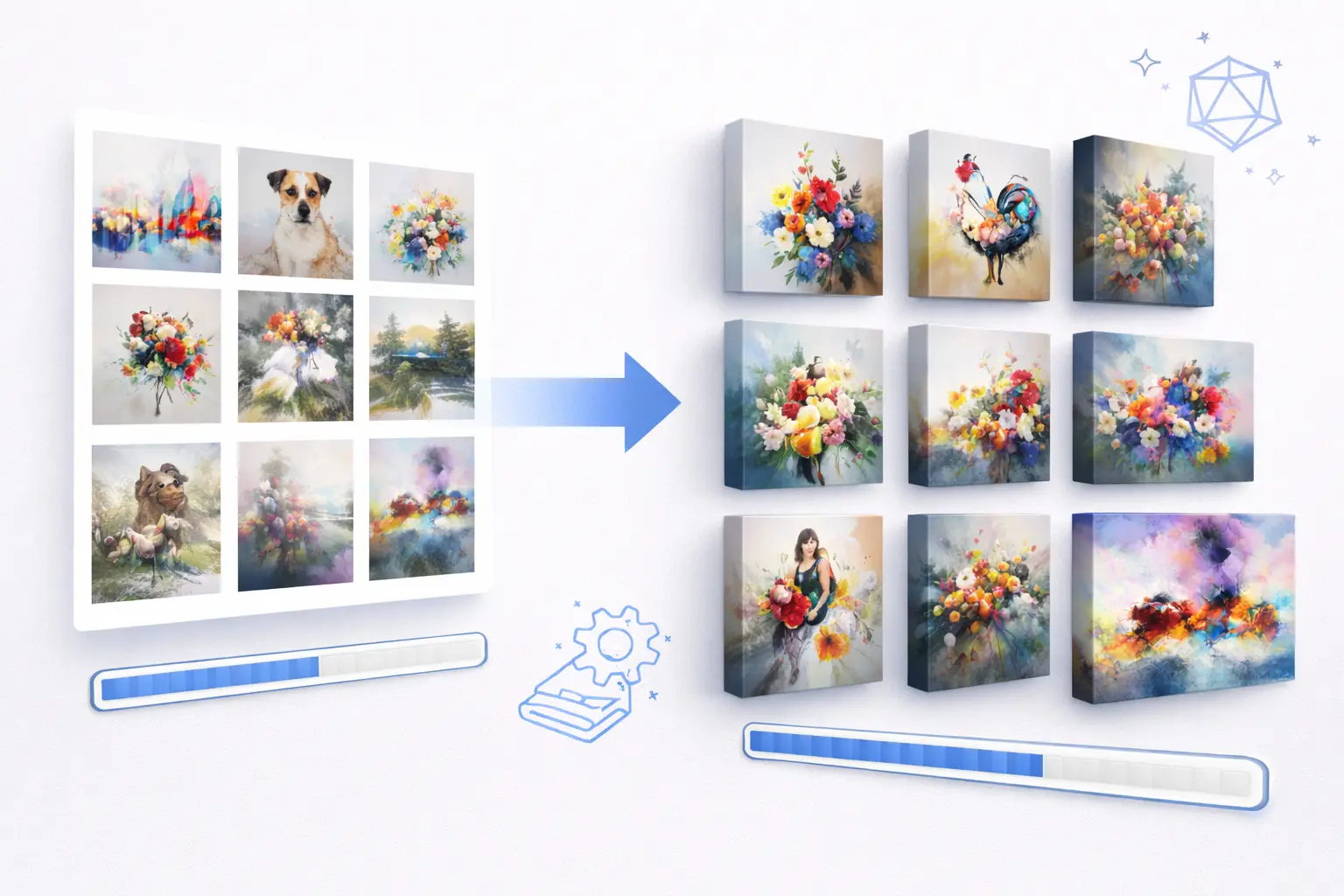
Your whole collection
Large catalogue? We process entire collections in the background, with no manual work.
See it inside your own WordPress
From installing to the button on your product page: this is what the plugin looks like in your shop.
How it works
From product photo to artwork on the wall, in three steps.
Frequently asked questions
Does my customer need to install an app?
No. The AR preview opens straight in the browser on iPhone and Android. One tap on the button and the camera opens.
How does ArtInAR know the size of an artwork?
It uses the dimensions you entered for the product in your shop. That is why the artwork appears at true scale on the wall.
What does ArtInAR cost?
The first 5 artworks are free, with no end date and no credit card. You only pay once your collection outgrows the free plan, and paid plans can be cancelled monthly.
Does it work with my WooCommerce theme?
Yes. The plugin works with any theme and adds the button to the product pages of the artworks you select.
Ready to show your art on the wall?
Free plan with no end date • paid plans cancel monthly
Start free with 5 artworks